


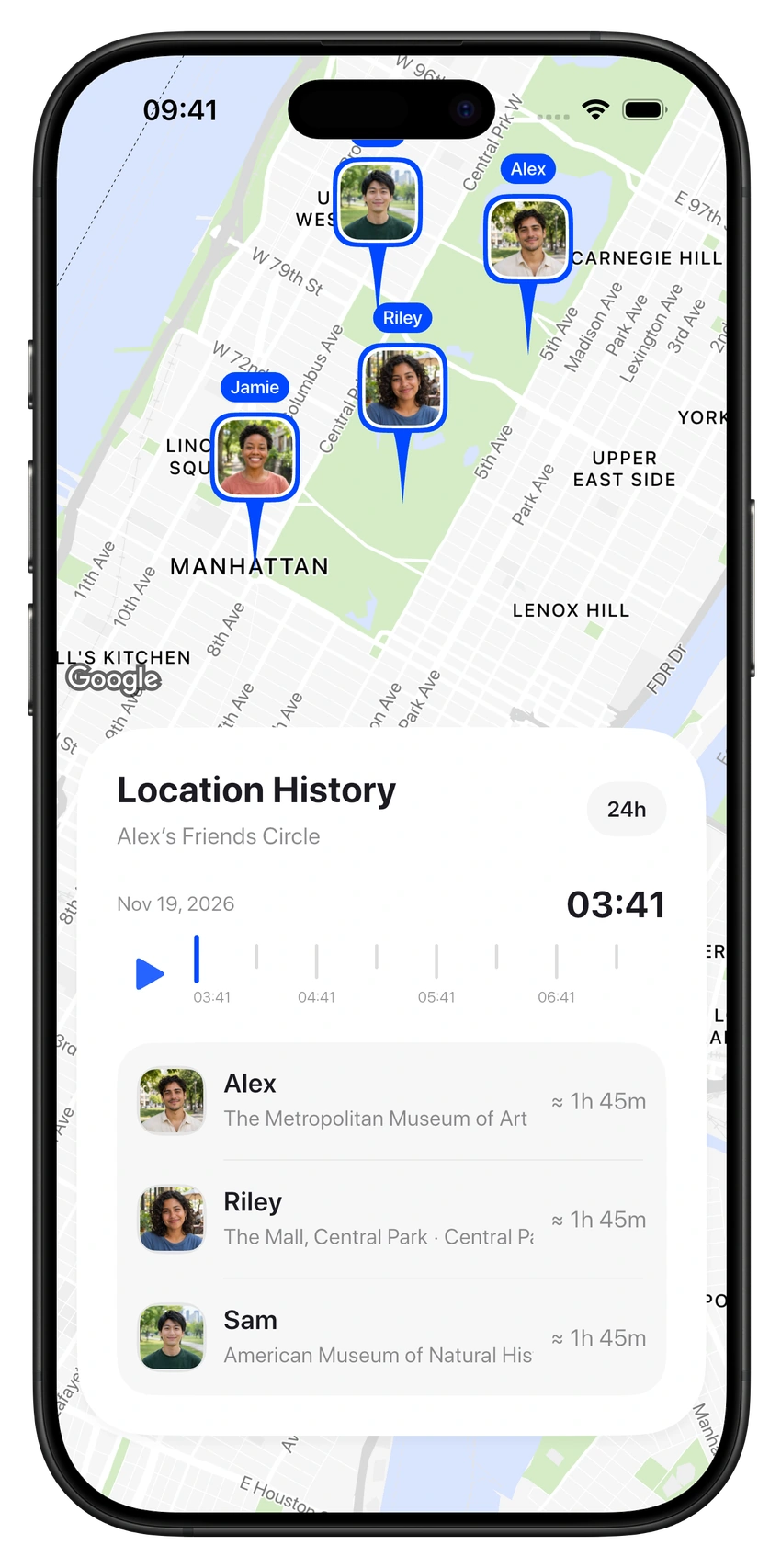
Revisit the day
Go back through up to 30 days of shared location history. Explore stops and play the day back on the timeline.
Location sharing. Real connection.
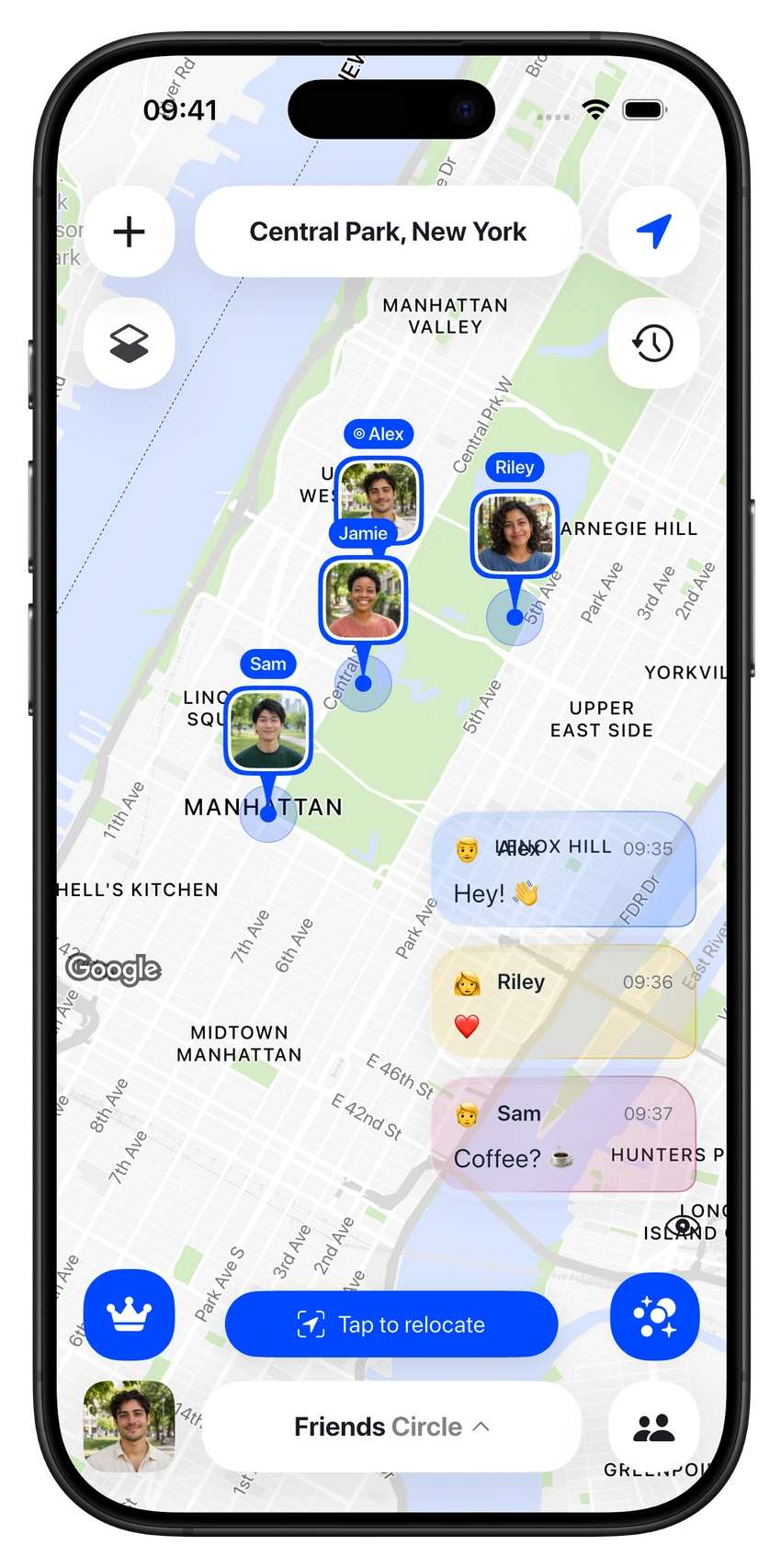
Make a Circle for your people. Share live locations, talk on the map, and keep every plan together.


Room for everyone
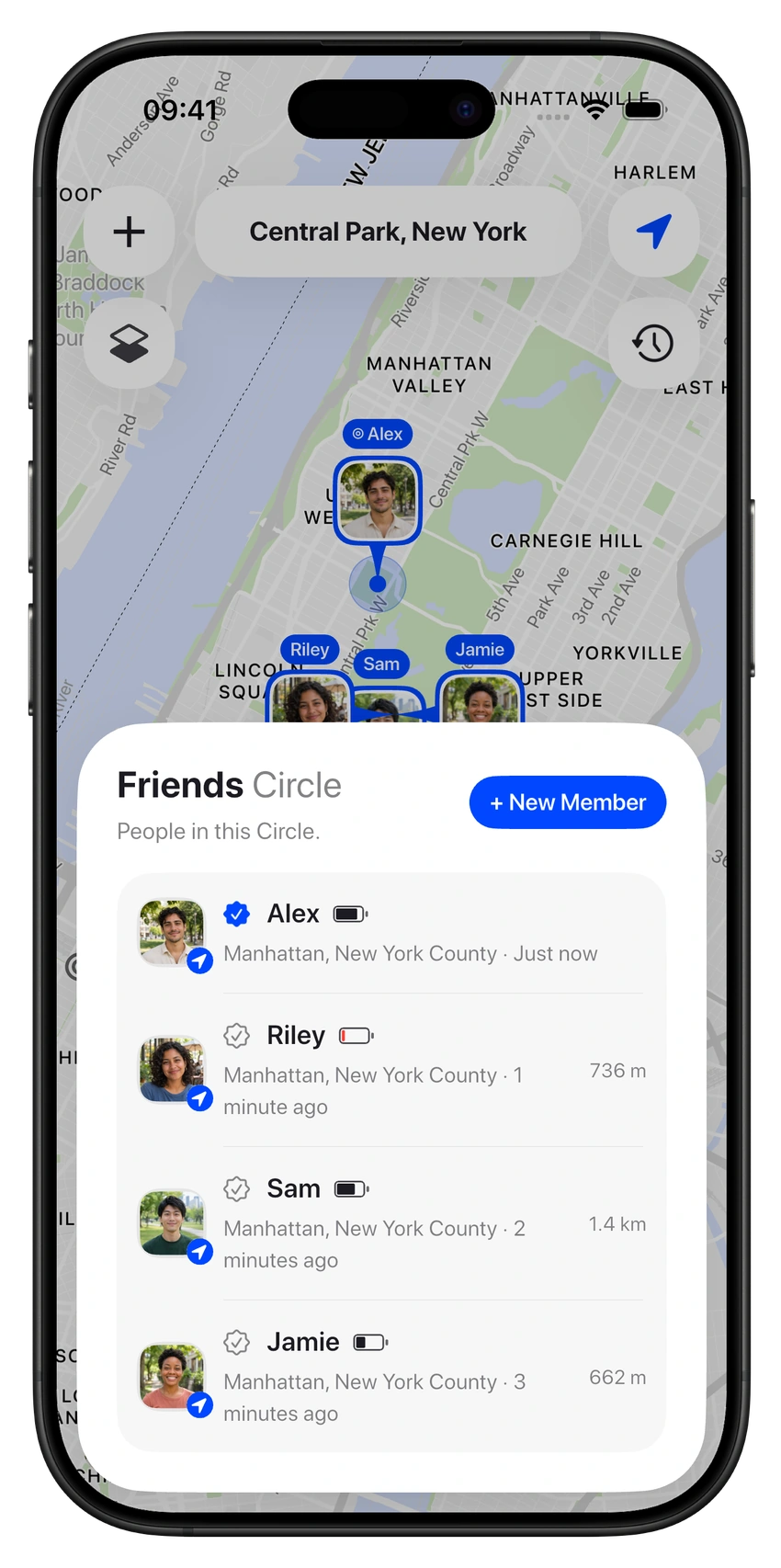
The people you see every day. The group going away for the weekend. Bring them together in their own shared space, with a map and a conversation for each Circle.
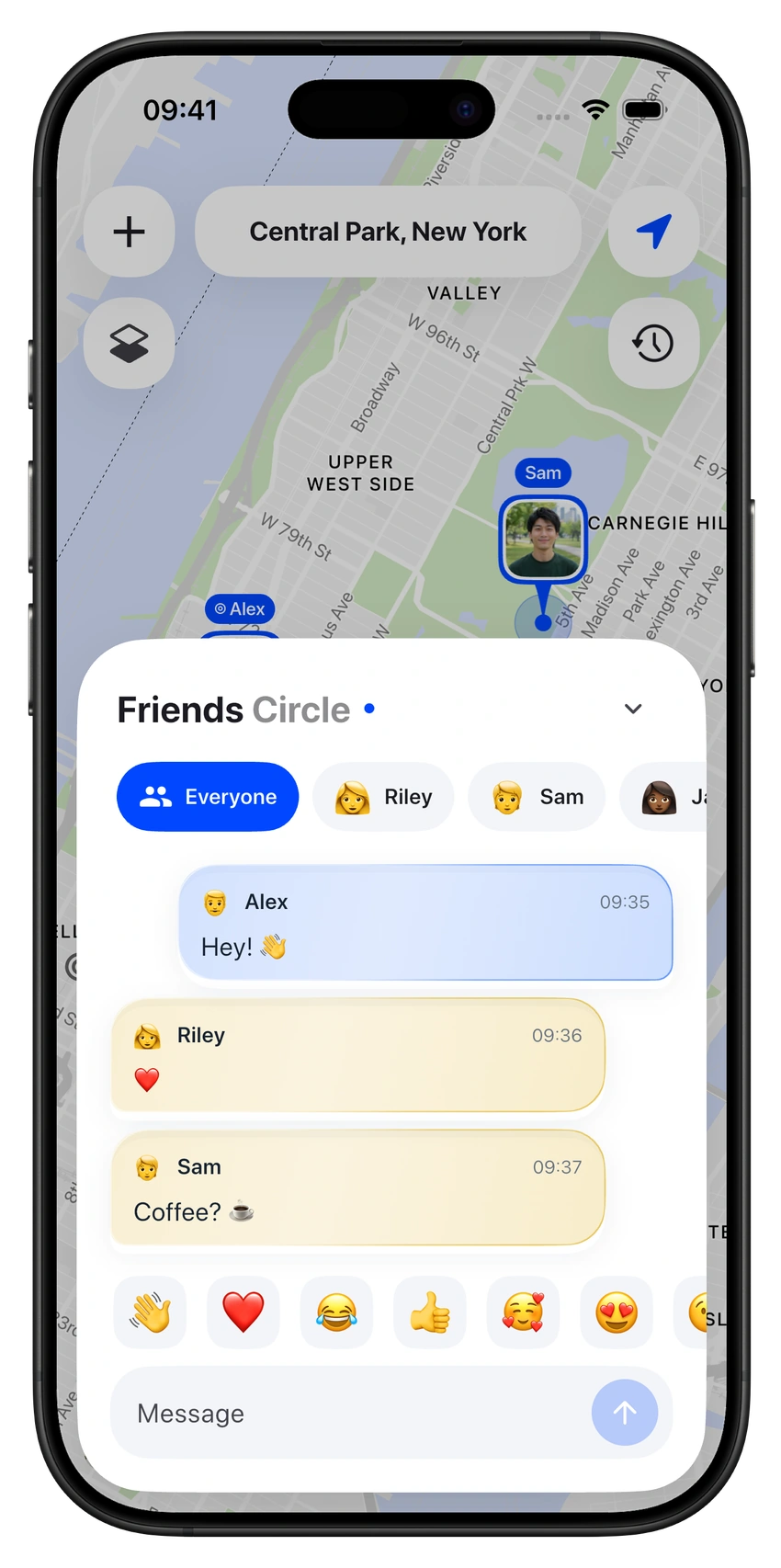
The conversation belongs here
Make plans with the whole Circle or keep a conversation between the two of you. Your people, their shared locations, and your messages stay together.
Useful details, right where you need them.
Go back through up to 30 days of shared location history. Explore stops and play the day back on the timeline.

Bring shared locations to your Home Screen with map widgets. Check in without opening the app.
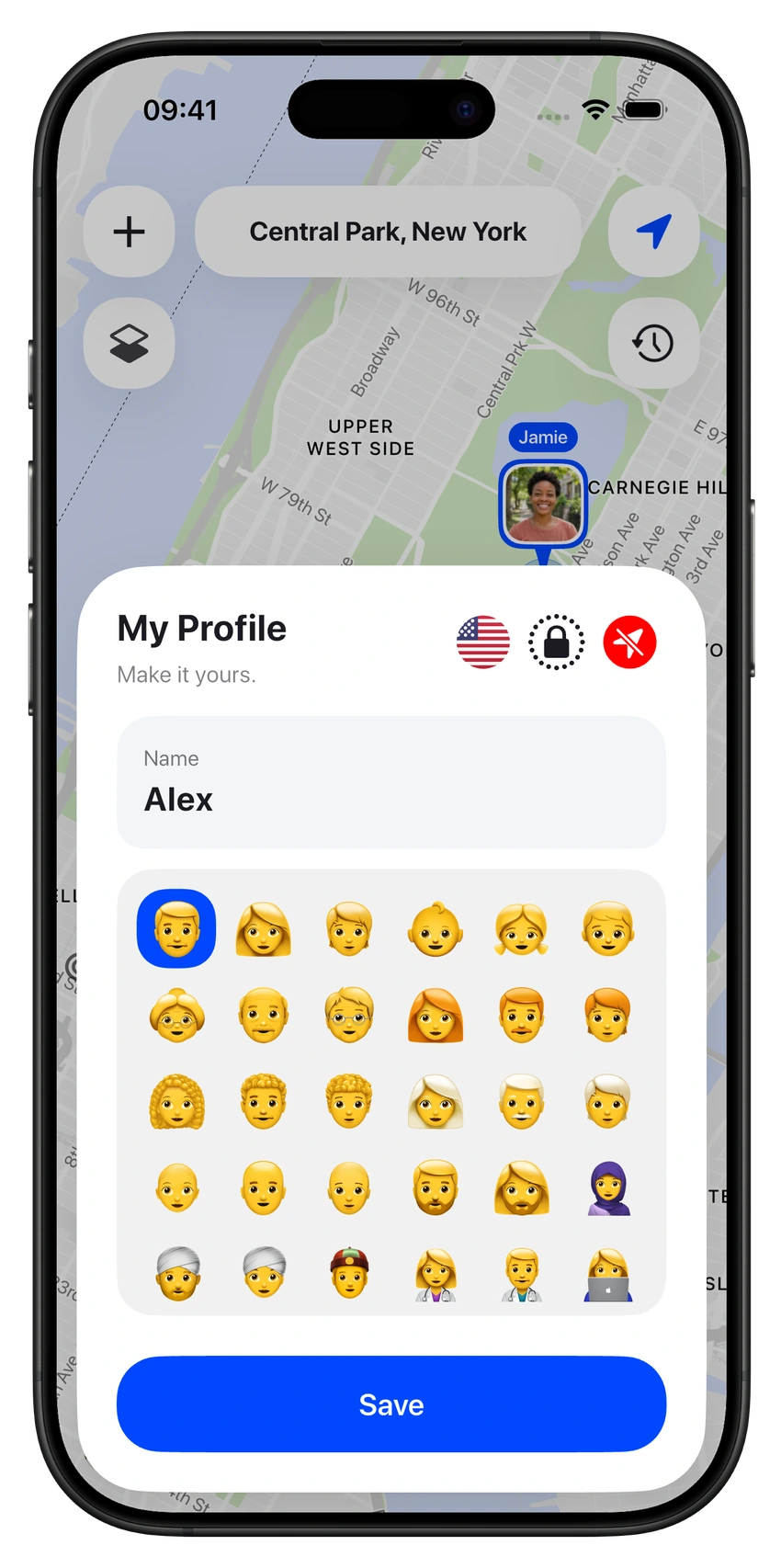
Choose which Circles can see your location. Pause sharing whenever you want, and protect the app with a PIN or biometric unlock.
See battery status and get a heads-up when someone is running low.
Send a sound alert when you need to get someone’s attention.
Open directions from a member’s shared location.
A few things to know
Keep a Circle for friends, loved ones or family. Make another for a trip, a festival, a night out or a single meetup. You can create as many Circles and invite as many members as you like.
Yes. Circles360 works across iOS and Android, so everyone can share locations and join the conversation in the same Circle.
Yes. You choose where you share your location and can switch sharing off whenever you want. You can keep your groups and conversations together while deciding what to share.
Email contact@circles360.io for app support, subscription questions or privacy requests. You can also find our privacy and data-request pages below.

Start a Circle. Invite your people. Take it from there.